
How to Search Cases by Name
Every Jackson County public case sits in the statewide North Carolina eCourts Portal. There is no separate county database. Smart Search takes a party name or a record number. Type the exact last name first, then the first name, and use the Location filter to cut a broad return down to Jackson County. Portal guidance does allow a wildcard. It takes at least three last-name characters and one first-name character. An exact search is still the better first pass. No account is needed to view public information.
- Open Smart Search and enter the most precise name available in the documented Last, First style.
- Use Advanced Filtering to select Jackson County, then add a case type, status, or filing-date range when the name is common.
- Open the matching Case Summary rather than relying on the results row. Read Case Events, Hearings, Dispositions, and Financial Information when those panels appear.
- Use Search Hearings or the posted Jackson civil or criminal calendar when the question is the next setting.
| Portal field | Type | Required | Jackson use |
|---|---|---|---|
| Smart Search | Text with Advanced Filtering | One criterion | Enter a party name or case/file number. |
| Location | Dropdown filter | Optional | Narrows statewide results to Jackson County. |
| Party name | Text | Optional | Try exact first; documented wildcard rules apply after minimum characters. |
| Case type or status | Dropdown filter | Optional | Refines civil, criminal, estate, or public special-proceeding results. |
| Filing date range | Date filter | Optional | Helps separate similarly named Jackson County cases. |
Jackson County Case Portal and File Serve
The Portal handles public searching. North Carolina File & Serve does something else entirely. It is the Tyler Technologies channel lawyers and filers use to submit new filings into Enterprise Justice. A filing account there grants no public search rights. A Portal account grants no right to file anything. Keep the line between them straight. When a Jackson County Case Summary shows an event, the document behind it may still be closed to a public user.
The official File & Serve site shows the filing side of that statewide system.
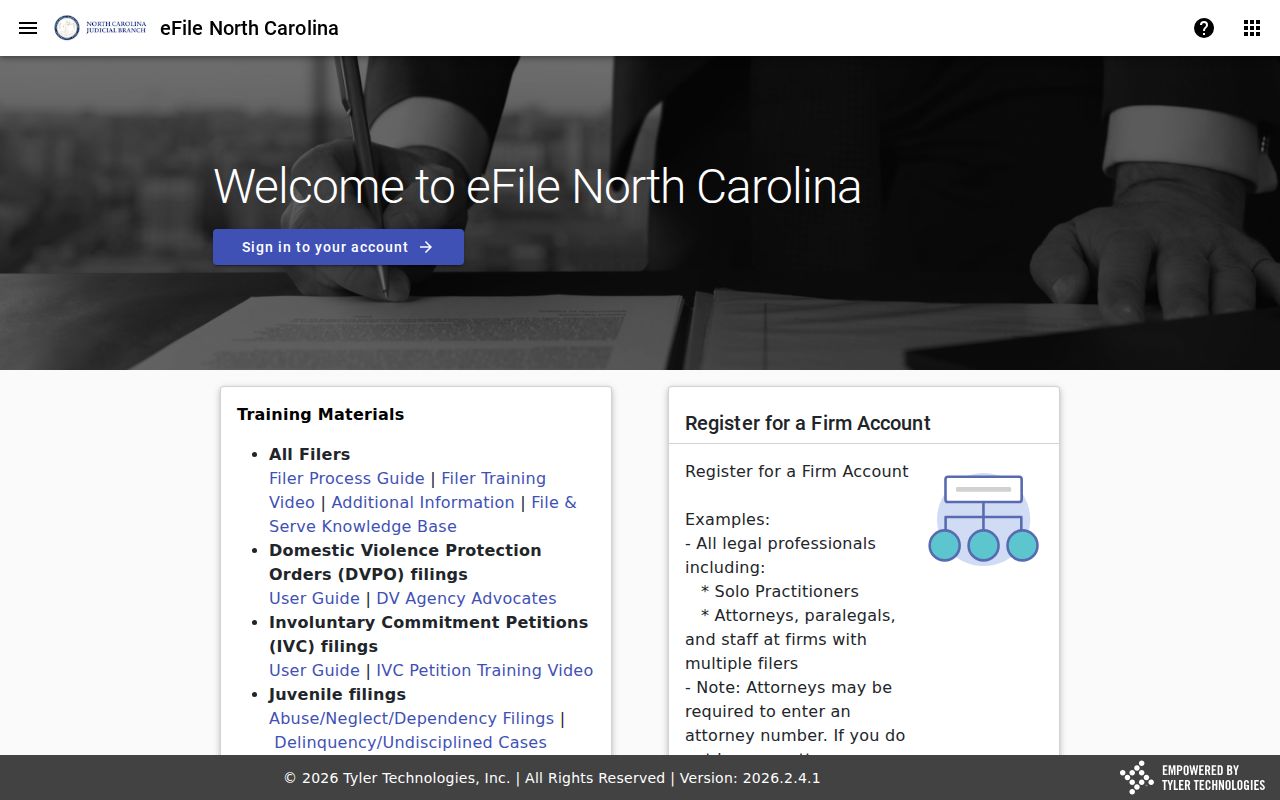
For a public Jackson County case lookup, go back to Smart Search. When you need certification or a file that is not posted, ask the Clerk of Superior Court for an official copy.
Searching by Case Number
A full Enterprise Justice record number is usually the cleanest Jackson County case lookup. The format has four parts. There is a two-digit year, case-type letters, a six-digit sequence, and a three-digit county identifier. The Judicial Branch offers 21CR000003-910 as a format example only, not a Jackson case. Enter the whole number in Smart Search. Know only part of it? Portal guidance allows a wildcard after at least four characters followed by *.
Treat the result as a case identifier, not a full case history. The case type and the current court assignment help you separate cases. They sort a Superior Court felony or major civil matter from a District Court misdemeanor, infraction, family, or lower-value civil matter. When a number returns no public match, fall back to a Jackson County Clerk search. You can also use the public terminal in the courthouse.
Jackson County Case Search Filters
Advanced filters only appear after an initial Smart Search. That order can look like a missing feature. It does if you expect every field on the first screen. Start with a name or number. Then narrow with location, case type, status, filing date, citation number, attorney, business name, nickname, or cross-reference criteria. The Portal also masks a recorded date of birth in public results. So match a person through the full public case context rather than one hidden field.
Broad-name result: The official Portal guidance notes a 200-result limit. Add Jackson County and a date, status, or case-type filter before assuming a case is absent from a crowded return.
A technical error has its own documented path. Portal tips say to check the chosen criterion, clear browser cache, sign out, or try an incognito window. Those steps fix the interface only; they never change access rules or replace the clerk's case-file search.
What a Case Search Shows
A Portal Case Summary is also called a Register of Actions. Think of it as a public index and timeline, not a certified case file. Sections show up only when information exists. So a missing Financial Information or Hearing panel proves neither a zero balance nor a closed case. Before a court appearance or any official request, confirm current details. The Jackson County Clerk can do that.
| Case Information | Basic public case-level information, including the record identifier and case type. |
|---|---|
| Assignment Information | Available court or assignment information for the matter. |
| Party Information | Publicly displayed participants; Portal guidance excludes victims from search returns. |
| Case Events | The dated chronological record of procedural actions and progress points. |
| Hearings | Scheduled proceedings; Search Hearings is the companion tool for current location and time. |
| Dispositions and Financial Information | Outcome and applicable financial panels when the Portal has information to display. |
Jackson County Federal Case Lookup
Federal cases sit outside the county's system. Jackson County belongs to the Asheville Division of the U.S. District Court for the Western District of North Carolina. That court's public docket runs through PACER. A state Portal search coming up empty tells you nothing about federal matters. The reverse holds too: PACER holds no Jackson Superior or District Court cases. Bankruptcy adds one more twist. The Western District Bankruptcy Court handles those filings rather than the Jackson Clerk.
The official PACER sign-in page shows where those federal dockets live.
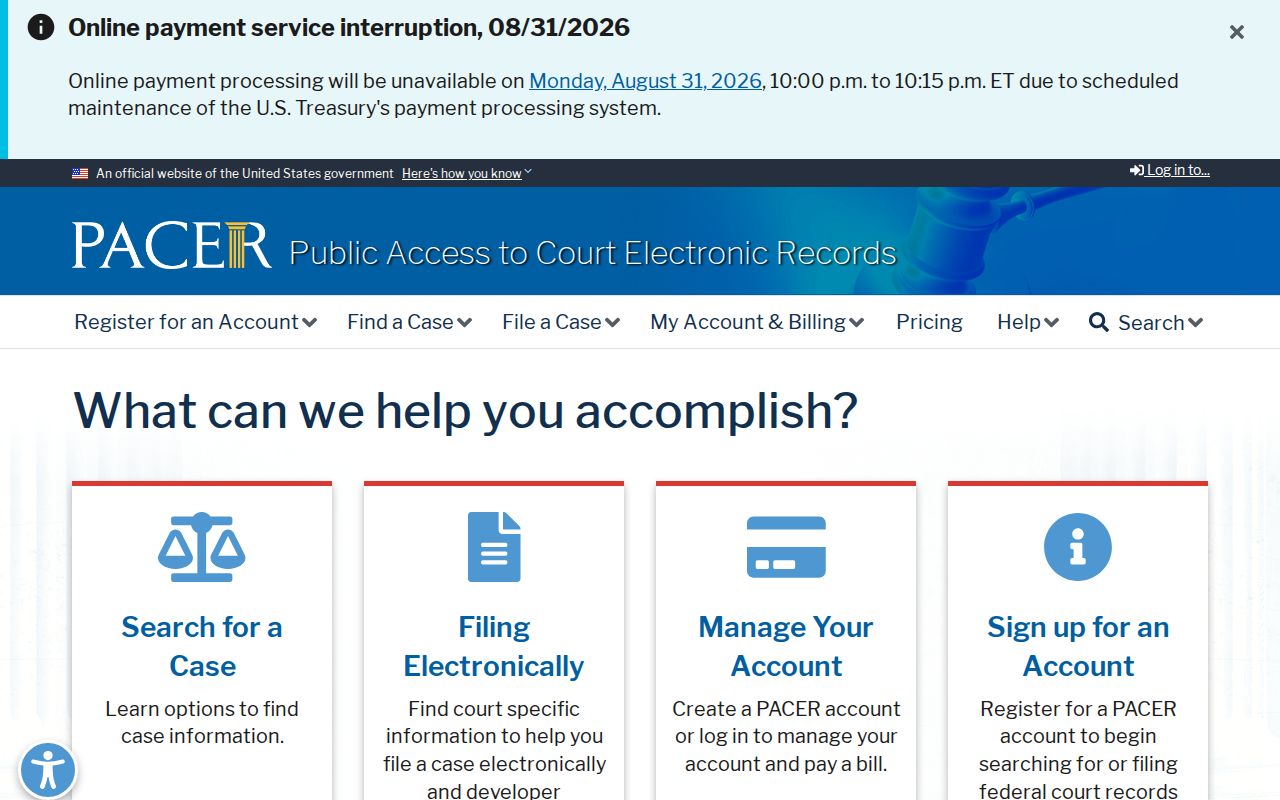
PACER carries its own registration and access rules. For North Carolina state trial-court docket information, the Jackson County Case Summary is still the route. The official PACER pricing information spells out the federal service's date-sensitive access charges.
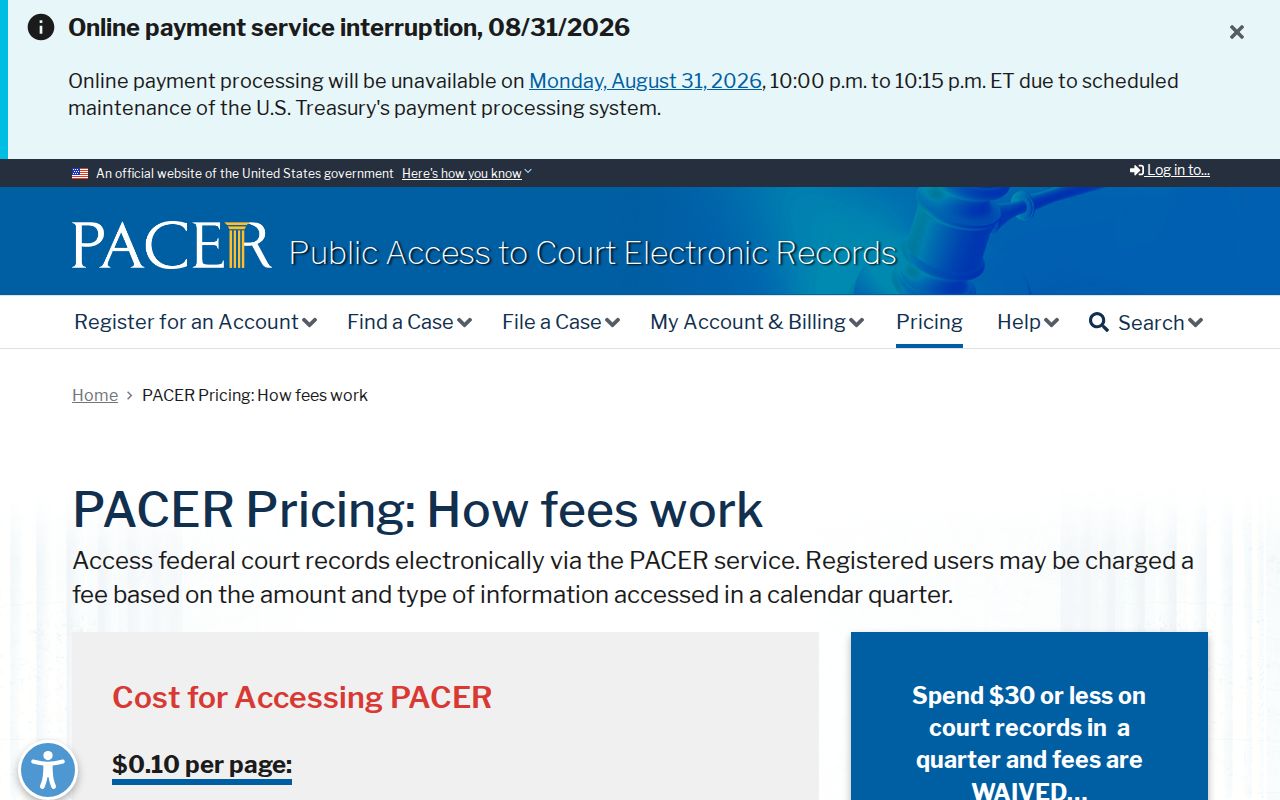
None of those federal charges touch a state case. A public Jackson County Portal case search and a clerk copy stay outside PACER's fee rules.
County vs Statewide Case Search
Jackson County belongs to one statewide Portal. The comparison is not between two rival databases. Smart Search can start statewide and then narrow to Jackson. The county court page adds local civil and criminal calendar links. It also lists schedules, rules, and clerk contacts. Need a paper file, a public-terminal search, or an official copy? The Jackson Clerk is the local office to visit.
| Statewide eCourts Portal | Jackson County court channels |
|---|---|
| Searches public information across North Carolina’s Odyssey counties. | Provides county calendar, schedule, clerk, and courthouse access routes. |
| Smart Search, Search Hearings, Judgment Search, and eligible payments. | Jackson Clerk, public terminal, paper file, and local calendar confirmation. |
| Best for a name or known record number, with Jackson selected as Location. | Best for a certified document, unavailable public material, or a local setting question. |
Need a document behind a docket event? The Jackson County court record search route explains the clerk-copy and certification distinction.
Jackson County Case Summary Limits
A Case Summary on the Portal is a tool, not an official paper. It cannot stand in for a certified order, judgment, or pleading. Document images do appear there, one at a time. But only when a filing is public. Need the real record? The Portal FAQ sends you to the clerk of the county where the case was filed. In Jackson County, the Clerk of Superior Court keeps the case file. That covers both Superior and District Court matters.
- Case Summary
- The Portal’s detailed public case timeline or Register of Actions.
- Case Event
- A dated action or progress point in that timeline.
- Disposition
- The recorded result or status outcome, distinct from a pending event.
- Certified copy
- A clerk-issued official document or certificate, not an informational Portal view.
Jackson County joined eCourts Track 5 in July 2024. That conversion left a mark on older entries. Events carried over from before Odyssey went live may display a 12:00 a.m. timestamp, and that is just how the conversion treated them. It is not proof of a midnight hearing or filing.
Restricted Cases and Access Rules
Public case searching has firm legal edges. The Portal opens general access only to what is public, and it bars anything confidential, sealed, or restricted. Juvenile records, unreturned criminal warrants, and protective orders needing elevated access all sit outside ordinary view. Registering lets you save public cases in My Cases, yet it unlocks nothing restricted. An expunged record is not simply a hidden search result. Under G.S. 15A-151, the retained expunction file is confidential, and G.S. 7B-3000 restricts public inspection of juvenile records. A missing result has other causes too. The case may not be entered yet, may sit in a different court, or may carry another lawful restriction.
Jackson County Terminal Case Lookup
When the Portal leaves gaps, the courthouse itself still anchors a Jackson County case lookup. State court guidance points to public self-service terminals in clerk offices. Those terminals cover criminal, civil, special-proceeding, and estate searching. The Jackson Clerk of Superior Court sits at 401 Grindstaff Cove Rd., Sylva, NC 28779. The main number is (828) 631-6400. Bring a case number, or enough party and court detail to single out the right file. G.S. 7A-109 puts clerks in charge of court files, dockets, and indexes, within lawful limits. An inspection or clerk copy is not the same thing as a public web result. For a current setting, check Search Hearings against the Jackson calendar. Then ask the clerk which record controls the date.